46% of all Google searches have local intent. When someone in your city types "Botox near me" or "med spa facial treatments," Google decides in milliseconds whether your practice appears in the local pack, the Maps results, or nowhere at all.
The single biggest factor in that decision? Your Google Business Profile.
The local pack appears in 93% of searches with local intent, and it captures the majority of clicks. If your med spa is not showing up there, you are invisible to patients who are actively searching for treatments you offer, in the city where you offer them.
After 20+ years in medical aesthetics marketing, I have watched practices go from page two to the top of the local pack by optimizing one asset they already own. Here is exactly how to do it.
Why your Google Business Profile matters more than your website
Your website matters. But for local searches, your Google Business Profile often determines whether a patient ever visits your website at all.
When a patient searches "med spa near me," Google displays three results in the local pack before any organic website listings. Those three spots are populated entirely from Google Business Profile data. Your hours, reviews, photos, categories, and posting activity all factor into whether you earn one of those positions.
A fully optimized GBP does three things simultaneously. It increases your visibility in Maps and local pack results. It gives patients the information they need to choose you over competitors. And it sends trust signals to Google that improve your rankings across every local search query.
The practices that treat their GBP as a set-it-and-forget-it profile are losing patients to competitors who treat it as a living, active marketing channel.
Setting up your profile correctly from day one
Getting the foundation right prevents ranking problems down the road. Start with these essentials.
Verify your listing. If you have not claimed and verified your Google Business Profile, nothing else matters. Go to Google Business Profile Manager and complete the verification process. Google will send a postcard, call, or email to confirm your address.
Use your exact legal practice name. Do not stuff keywords into your business name. "Radiance Med Spa" is correct. "Radiance Med Spa Botox Fillers CoolSculpting Denver" violates Google guidelines and can get your profile suspended.
Confirm your address and phone number. Your name, address, and phone number (NAP) must match exactly across your GBP, your website, and every directory listing online. Inconsistencies confuse Google and suppress your rankings.
Set your hours accurately. Include special hours for holidays. Practices with inaccurate hours get penalized in rankings and frustrate patients who show up to a locked door.
Write a complete description. You get 750 characters. Use them. Include your city name, your top 3 to 5 treatments, your key differentiator, and a clear call to action. Front-load the most important information in the first 250 characters because that is what shows in the preview.
Category selection: the most underrated ranking factor
Your primary category is one of the strongest signals Google uses to determine which searches trigger your listing. Choosing the wrong one can bury you.
Primary category: Medical Spa. This is non-negotiable. Not "Day Spa." Not "Skin Care Clinic." Not "Beauty Salon." Google uses your primary category to match you with relevant search queries. "Medical Spa" aligns with the terms patients actually use.
Secondary categories expand your reach. Add every category that accurately describes treatments you offer:
- Laser Hair Removal Service
- Botox Injection Service
- Skin Care Clinic
- Facial Spa
- Weight Loss Service (if you offer body contouring or GLP-1 programs)
- Cosmetic Surgeon (only if you have a surgeon on staff)
You can add up to 10 secondary categories. Use every relevant one. Each category opens your listing to a new set of search queries. A med spa with only "Medical Spa" as its category will not appear in searches for "laser hair removal near me" unless that secondary category is added.
Google updates available categories periodically. Check your category options every 6 months. New categories like "IV Therapy Service" or "Hormone Therapy Clinic" may become available and give you an edge before competitors discover them.
Review your competitors' categories using tools like Pleper's GBP Category Tool to see what categories the top-ranking med spas in your market are using. If they have a relevant category you are missing, add it.
Google Posts: your weekly visibility boost
Google Posts are short updates that appear directly on your Business Profile. They show up in Maps, in local search results, and on your knowledge panel. Most med spas ignore them entirely, which is a competitive advantage for the practices that post consistently.
Post at least once per week. Each post stays visible for about 7 days before it gets pushed down, so weekly posting keeps your profile fresh and active.
What to post:
- Treatment spotlights. Feature a specific treatment with a brief description, a result photo, and a "Book Now" button. "Hydrafacial in 30 minutes. No downtime. See real results from our patients."
- Seasonal promotions. Align posts with your seasonal campaign calendar. Spring body contouring, summer skin prep, fall skincare resets, holiday gift cards.
- Patient education. Quick tips about aftercare, treatment comparisons, or myth-busting. "Three things to know before your first filler appointment."
- Event announcements. Open houses, VIP events, treatment launch parties. Posts with event dates get special formatting in search results.
Post formatting tips:
- Keep text under 300 words. Shorter is better. Most patients scan, they do not read.
- Include a high-quality image with every post. Posts with images get significantly more engagement.
- Add a CTA button. Google offers options like "Book," "Learn more," "Call now," and "Sign up."
- Use a natural mention of your city and treatment in the post text. This helps with local keyword relevance.
Ready to grow your practice?
Get a custom strategy for your med spa
Schedule Your Strategy SessionNo commitment required. No credit card.
Photo strategy that builds trust and rankings
Google's own support documentation confirms that businesses with photos receive 42% more requests for directions and 35% more clicks to their websites. For med spas, photos do something even more important: they build the trust patients need before they book a treatment that involves their face or body.
What to upload:
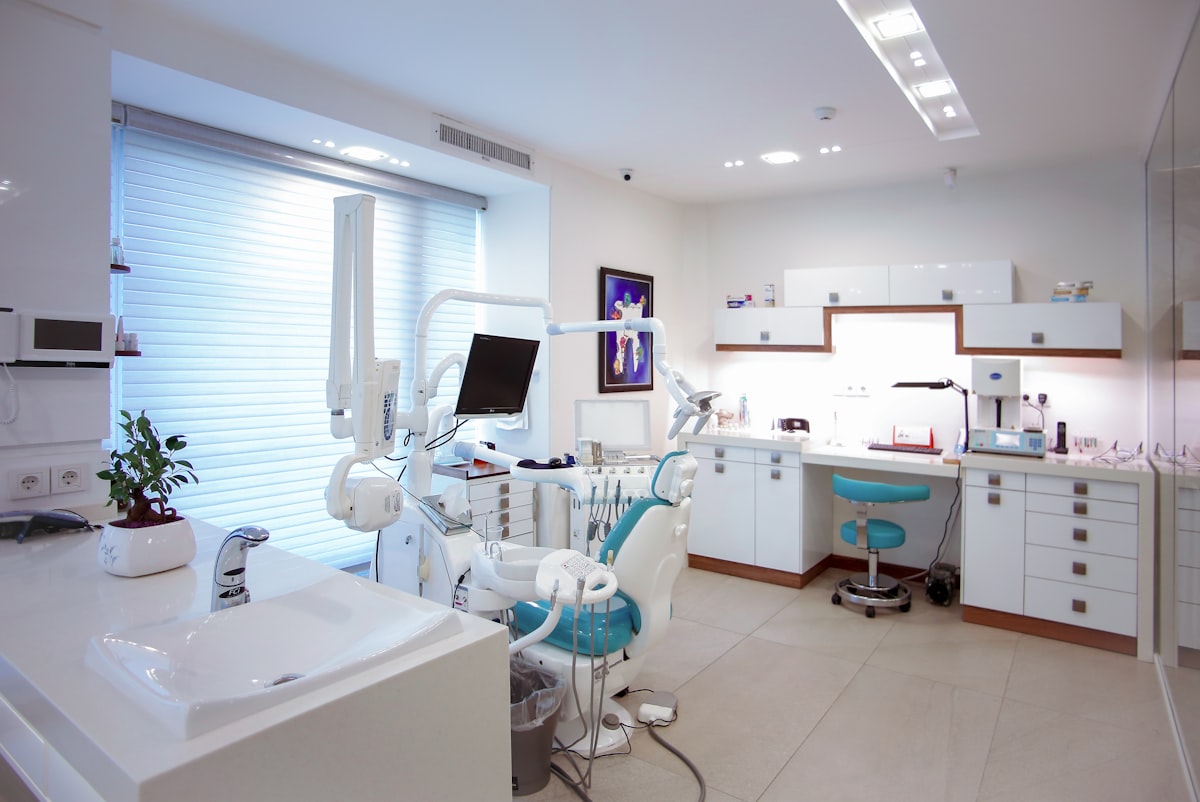
- Treatment rooms. Clean, modern, well-lit. Patients want to see where they will be treated.
- Before-and-after results. With written patient consent. These are the most viewed photos on any med spa profile.
- Team photos. Injectors, aestheticians, front desk staff. Patients want to see the people they will interact with.
- Equipment. Your CoolSculpting machine, your laser devices, your IV therapy setup. This signals investment and professionalism.
- Reception and waiting area. Show the full patient experience from the moment they walk in.
What to avoid:
- Stock photography. Google deprioritizes generic stock images, and patients can spot them immediately.
- Heavily filtered or edited images. Authenticity builds trust. Over-processed photos do the opposite.
- Low-resolution or dark photos. If the image quality is poor, it does more harm than good.
Upload 5 to 10 new photos every month. This signals to Google that your practice is active and gives your profile fresh content. Tag each photo with a relevant category (interior, exterior, team, etc.) when uploading.
Review generation and response strategy
Reviews are one of the top three local ranking factors. Total count, star rating, review velocity, and keyword content all influence where your listing appears.
The target for a competitive med spa: 15 to 30 new Google reviews per month with a 4.7+ average star rating.
Generating reviews at scale:
- Set up automated text requests through your CRM system to send a review link 60 to 90 minutes after treatment completion.
- Train your front desk to plant the seed at checkout: "We would love it if you shared your experience on Google."
- Send a follow-up email the next morning with a direct link to your Google review page.
- Use sentiment pre-screening to route unhappy patients to your office manager instead of to Google.
Responding to every review:
Respond to 100% of reviews, positive and negative. Personalize each response with a specific detail from the review. For negative reviews, respond within 24 hours, acknowledge the concern, and invite offline resolution. Never confirm or deny that someone is a patient under HIPAA.
For a deeper dive into review systems, see our complete guide on med spa reputation management.
Q&A section: control the conversation
Your GBP has a Questions & Answers section that anyone can contribute to. If you do not populate it yourself, random users or competitors will. Take control of this section by pre-loading it with your most common patient questions.
Add 10 to 15 questions covering:
- Treatment pricing ranges ("How much does Botox cost at your practice?")
- Appointment logistics ("Do I need a consultation before treatment?")
- Aftercare basics ("What is the downtime for a chemical peel?")
- Insurance and payment ("Do you offer financing for treatments?")
- Safety and credentials ("Who performs the injections at your practice?")
Write thorough, keyword-rich answers. Include your practice name, city, and specific treatment names naturally. These Q&A entries are indexed by Google and can appear directly in search results, giving you additional visibility.
Upvote your own answers to pin them to the top. Monitor the Q&A section weekly for new questions from the public and respond promptly.
Attributes and special features for medical practices
Google offers business attributes that appear on your profile as badges or labels. For med spas, several attributes are particularly valuable.
Relevant attributes to enable:
- Wheelchair accessible
- Free Wi-Fi
- Appointment required / Walk-ins welcome
- LGBTQ+ friendly
- Women-owned / Veteran-owned (if applicable)
- Online appointments available
These attributes show up as filterable features in Maps searches. A patient searching for "med spa that takes walk-ins" will see your listing if you have enabled that attribute.
Check your attribute options regularly. Google adds new ones based on industry and user demand. Health and beauty businesses have received several new attributes in recent updates.
Never add attributes that are inaccurate. If you require appointments for all treatments, do not enable "Walk-ins welcome." Misleading attributes generate negative reviews and can trigger a Google policy violation.
Multi-location management
If your practice has multiple locations, each one needs its own fully optimized Google Business Profile. Do not try to serve two cities from one listing.
For each location:
- Use the specific location address and local phone number
- Write a unique description mentioning that specific city and neighborhood
- Upload location-specific photos of the actual office, team, and treatment rooms
- Generate reviews independently for each location
- Post location-specific content about local events, promotions, and team members
The biggest mistake multi-location med spas make is duplicating the same content across all profiles. Google treats each listing independently for local rankings. A copy-paste approach means none of your locations are truly optimized.
Assign a team member or marketing partner to manage each location's profile. If that sounds like a lot of work, it is. But the alternative is leaving local visibility on the table in every market you serve.
Common GBP mistakes that suppress your rankings
Using a virtual address or P.O. Box. Google requires a physical location where patients can visit. Virtual offices and mail drops will get your profile suspended.
Keyword stuffing your practice name. Adding treatment names or city names to your business name field violates Google guidelines. If Google catches it (and they will), your profile gets suspended and your reviews can disappear.
Neglecting your profile after setup. A GBP with no new posts, no new photos, and no new reviews for 6 months tells Google your practice may be inactive. Keep it fresh with weekly activity.
Ignoring the Q&A section. Unanswered questions from the public sit on your profile making your practice look unresponsive. Worse, competitors or random users can post misleading answers.
Using a tracking phone number as your primary number. NAP consistency requires your primary GBP phone number to match your website and directory listings. Use call tracking on your website, not on your GBP listing.
Not verifying ownership. An unverified profile is vulnerable to suggested edits from the public, competitor sabotage, and lost control. Verify immediately and check your profile for unauthorized edits monthly.
Your GBP optimization checklist
Here is the complete action list, in priority order:
- Claim, verify, and fully complete your profile
- Set primary category to "Medical Spa" and add all relevant secondary categories
- Write a keyword-rich description with your city and top treatments
- Upload 20+ high-quality, authentic photos across all categories
- Pre-load your Q&A section with 10 to 15 common patient questions
- Set up automated review requests through your CRM
- Publish your first Google Post and commit to weekly posting
- Enable all accurate attributes
- Audit NAP consistency across your website, directories, and GBP
- Schedule monthly profile maintenance: new photos, fresh posts, Q&A monitoring
The practices that treat their Google Business Profile as an active marketing channel, not a one-time setup task, consistently dominate the local pack in their market. Combined with a strong SEO foundation and results that speak for themselves, your GBP becomes the front door to your practice for every local search.
If your Google Business Profile is not generating consistent patient inquiries, something is off. Schedule a strategy session and we will audit your current GBP, identify the gaps, and build an optimization plan that puts your practice in the local pack where it belongs. No commitment required. No credit card.